
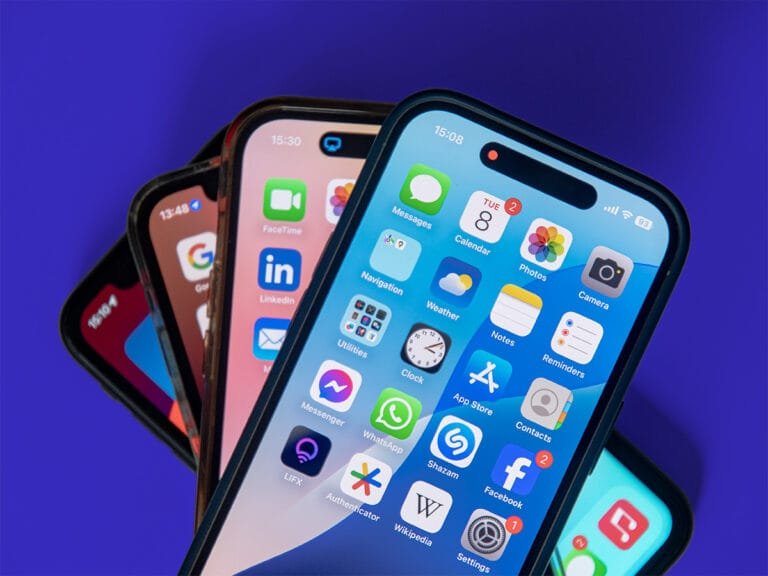
iPhone users may notice small dots or indicators appearing at the top of their screens while using the device. These signals were added by Apple to enhance user privacy and keep them informed about the status of certain sensitive functions. However, their appearance or unexpected repetition might be an indicator that warrants closer attention from the user to protect their personal data.
The Meaning of iOS Color Indicators
These dots appear in different colors, each carrying a specific meaning regarding the function currently in use. An orange dot signifies that an application is currently using the microphone, while a green dot indicates that the camera is active, or that both the camera and microphone are functioning simultaneously, such as during video calls or while using various photography applications.
Addressing Background Applications
In some cases, these indicators may appear without the user having opened an application that uses the camera or microphone. This could indicate an application running in the background or one that was previously granted permissions allowing it to access these components. This situation requires a review of application permissions to ensure that unnecessary access rights have not been granted, which could potentially threaten privacy in daily usage.
Verifying Component Usage History
To verify which application used the camera or microphone recently, users can open the Control Center, where the system displays the name of the application that accessed these components. This feature was specifically designed by Apple to enhance transparency and protect the privacy of user data, allowing users to track any unauthorized activity quickly and directly.
Tips for Enhancing Digital Security
Digital security experts advise the necessity of updating the operating system regularly, emphasizing the importance of continuously reviewing privacy settings, deleting untrusted applications, and avoiding granting camera or microphone permissions to programs that do not strictly require them to function, especially given the rising threats related to digital espionage. Specialists confirm that the appearance of these colored indicators while using well-known applications is normal, but the situation warrants further inspection if these indicators appear without a clear reason.
These indicators are part of a set of advanced security features added by Apple, aiming to give users a clearer view of how applications handle their data and to enhance the level of protection and privacy while using iPhones.